AccessShot
Video editing through the transcript
Open beta · 0.8.0
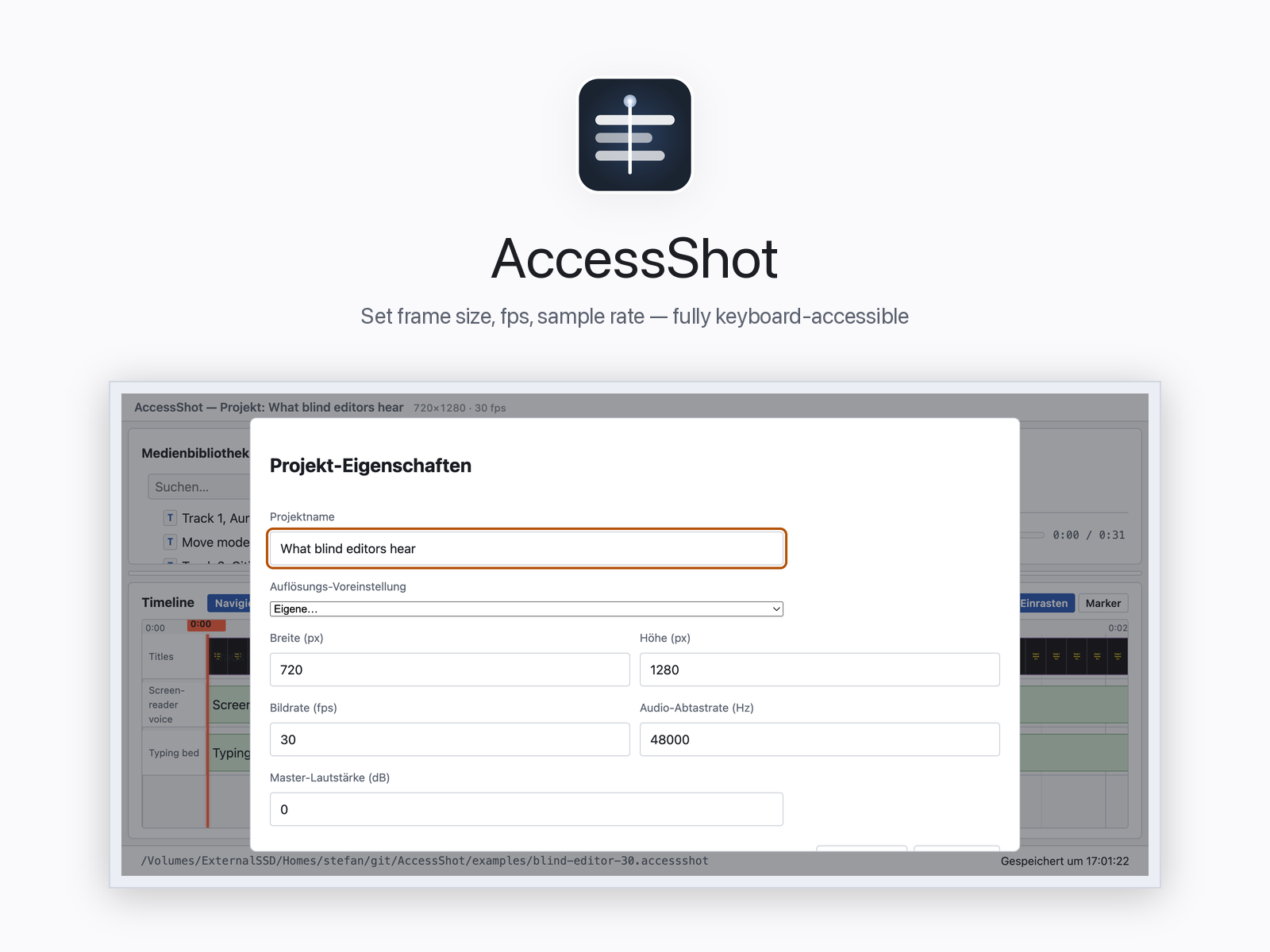
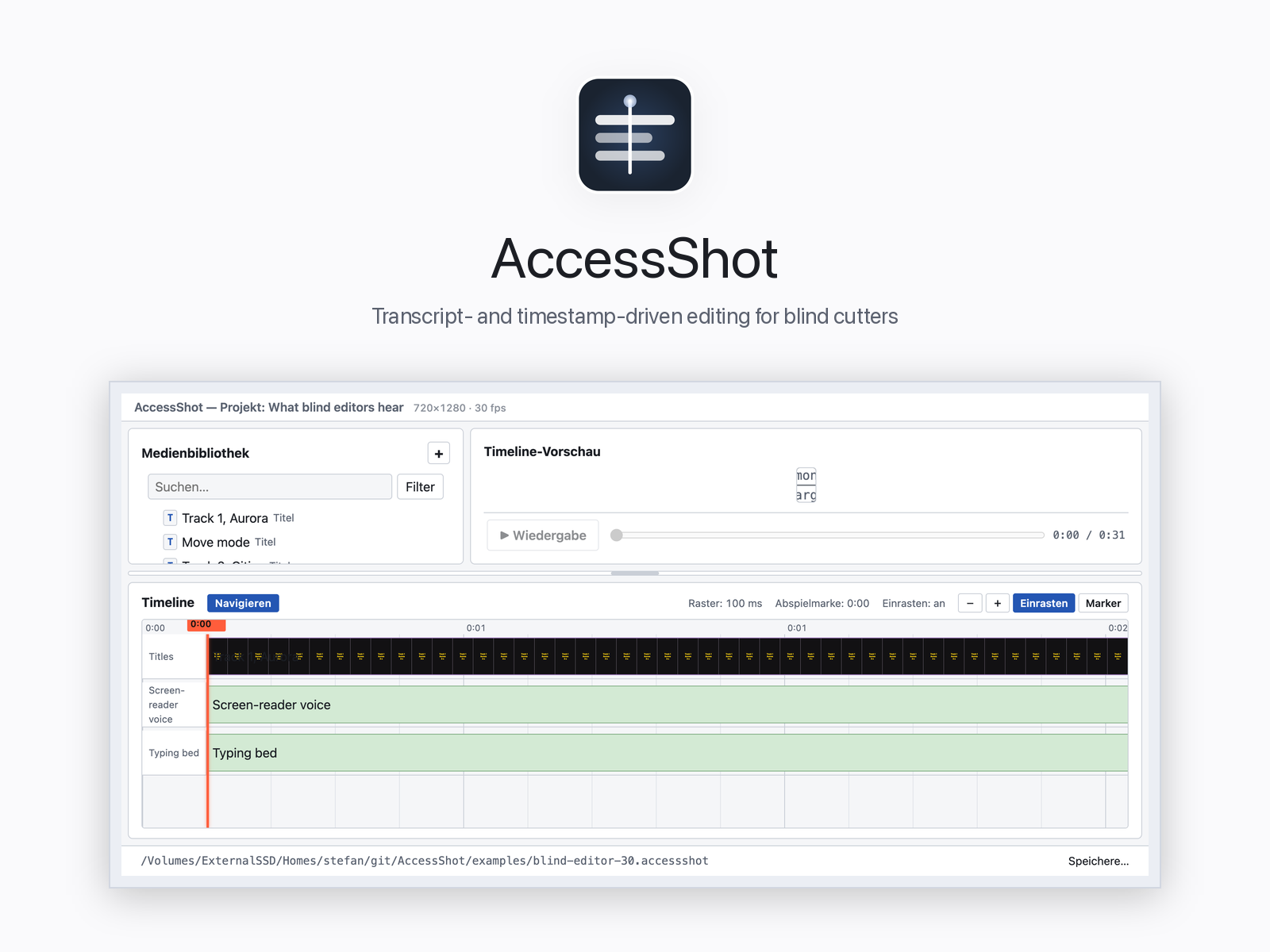
AccessShot is a non-linear video editor that works from the transcript instead of the timeline. You cut, trim and reorder by selecting words or time ranges in the text. The preview and the timeline are there and fully operable, but they are never the only way. Built for blind and visually impaired editors.
At a glance
- Cut in the transcript — select words or sentences, the cut lands on the clip
- Timestamp list — jump straight to any spoken passage
- On-demand transcription — Apple Speech, whisper.cpp, OpenAI or Groq, with word-level timestamps
What it does
- Filler-word removal — review the hit list, then cut in one step
- Silence tightening — over-long pauses shortened to a target length
- Subtitle export — SRT and WebVTT straight from the transcript
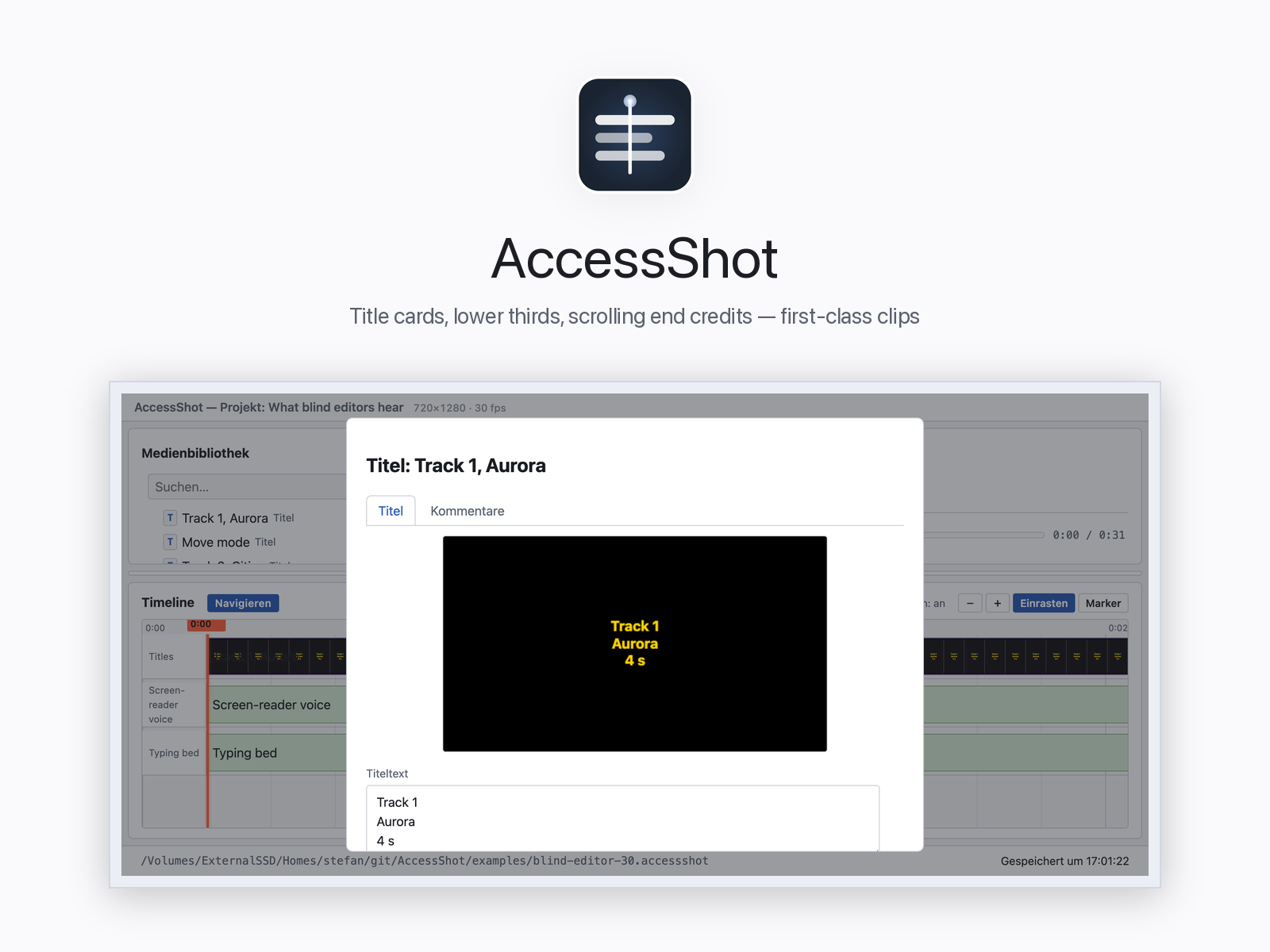
- Titles and stills as first-class clips — title designer with font, size, colour and background
- Multi-track timeline — move, trim, split, with ripple delete and snapping
- Spoken loudness meter and auto-levelling — measured peak, automatic to -16 LUFS
- Audio auto-sync — align an external recorder to the camera clip
- 360-degree footage — reframe with keyframes, direction announced as a clock face
- Eight languages, fully keyboard-operable, F1 shows every shortcut
Downloads
Platforms
- Windows 10 and Windows 11
- macOS 13 Ventura or later
How it looks